Choosing Business Software Without Wasting Money
Audit what you already pay for, check the Making Tax Digital rules, count the real three-year cost, trial with real work, and always know how you would leave.

When Priti finally added up her flower shop’s software, she found fourteen subscriptions costing £612 a month. Three did almost the same job. Two belonged to a part-timer who had left a year earlier. One she had never logged into at all. None of it had felt expensive at the time — £19 here, £35 there — and that is exactly the trap. Choosing business software is not about finding the best tool on a review site. It is about solving a real problem, at a total cost you understand, without locking yourself in.
| Before you buy, check | Why it matters |
|---|---|
| Is it HMRC-compatible? | Making Tax Digital requires compatible software for VAT and, since April 2026, some income tax |
| Total cost over 3 years | Per-user pricing, add-ons and renewals, not just month one |
| Integrations | Does it talk to your bank, payments and accounts? |
| Data export | Can you leave with your data in a usable format? |
| Security and data protection | 43% of UK businesses reported a breach or attack last year |
| Who will use it | They should test it before you sign |
Start with what you already pay for

Image source: pexels.com
Before you look at anything new, list every tool the business pays for, what it costs, who uses it and what it is for. Check the bank statement and the company card, because subscriptions hide there. Priti’s list took an afternoon and saved her £2,900 a year before she bought a single thing. You will usually find three types of waste: tools nobody uses, two tools doing the same job, and features in something you already own that nobody knew about. Your accounting package, for example, may already handle quotes, invoicing and basic stock. Only once the list is honest should you ask what problem is actually left to solve — and make it a real problem you had last month, not one you might have someday.
Tax rules now choose some software for you
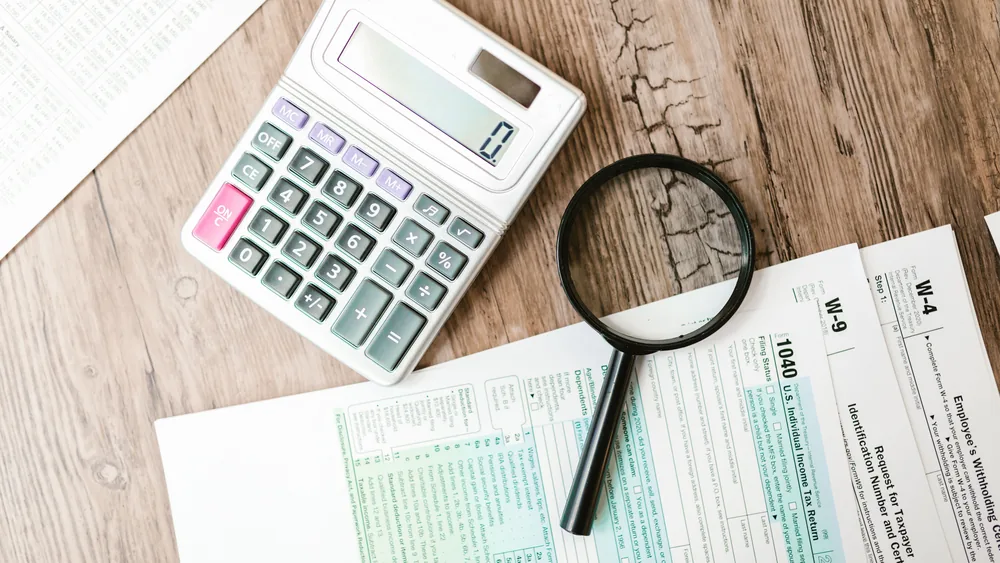
Image source: pexels.com
This is the part generic buying guides miss. Making Tax Digital has required VAT-registered businesses to keep digital records and file through compatible software since April 2022. From 6 April 2026, sole traders and landlords with qualifying income over £50,000 must do the same for income tax, with the threshold falling to £30,000 in April 2027. HMRC does not provide the software itself, so your accounting tool has to be on the compatible list. If you are anywhere near those thresholds, that decides part of your choice before features even come into it. Our guide to Making Tax Digital for Income Tax explains who is caught, and bookkeeping basics covers what the records need to show.
The real cost is rarely the subscription

Image source: pexels.com
A £25-a-month tool can quietly become £4,000 over three years. Per-user pricing means every new hire adds cost. Free tiers are generous right up until you hit the one limit that matters — usually the number of invoices, contacts or users — and then the jump to the paid plan is steep. Integrations, extra storage and “premium support” are often extras. Annual plans are cheaper but renew automatically, often at a higher price. And the biggest cost never appears on an invoice: the time spent setting it up, moving data across and teaching people to use it. Work out the three-year cost, including your own hours, before comparing prices.
Trial it with real work and the right people

Image source: pexels.com
Most tools offer a free trial, and most businesses waste it by clicking around the demo data. Use the trial on real work instead: raise actual invoices, process a real order, run last month’s numbers. And make sure the person who will use it every day is the one testing it. Priti chose an ordering system she liked, then watched her shop assistant take twice as long on it at the till. Check it works on the devices you actually use, that it connects to your bank feed and card payment provider, and ring the support line once during the trial. How quickly a real person answers tells you a lot.
Security and data protection are part of the choice

Image source: pexels.com
The government’s own Cyber Security Breaches Survey found that 43% of UK businesses reported a breach or attack in the previous twelve months — 42% of micro businesses and 46% of small ones. Every new tool is another login and another place customer data lives. Insist on two-factor authentication, give staff only the access they need, and remove leavers promptly — Priti’s former part-timer could still log in. Under UK GDPR you remain responsible for customer data held by your suppliers, so check where it is stored and what the data processing terms say. See our guides to data protection for small businesses and business fraud and scams. Cyber Essentials certification starts from around £320 plus VAT for the smallest firms.
One all-in-one tool, or several good ones?
Sooner or later you face this choice. An all-in-one platform promises accounts, invoicing, bookings, stock and customer records in one place, with one login and one bill. Separate specialist tools each do their own job better but need to be connected. For most small businesses the honest answer sits in the middle: one strong core system, usually your accounting software, with a small number of well-connected tools around it. All-in-one works best when your needs are simple and standard. Specialist tools earn their place when one part of the business is genuinely unusual. Whichever way you go, avoid the worst option, which is five tools that do not talk to each other and a spreadsheet holding the whole thing together.
Make sure you can leave
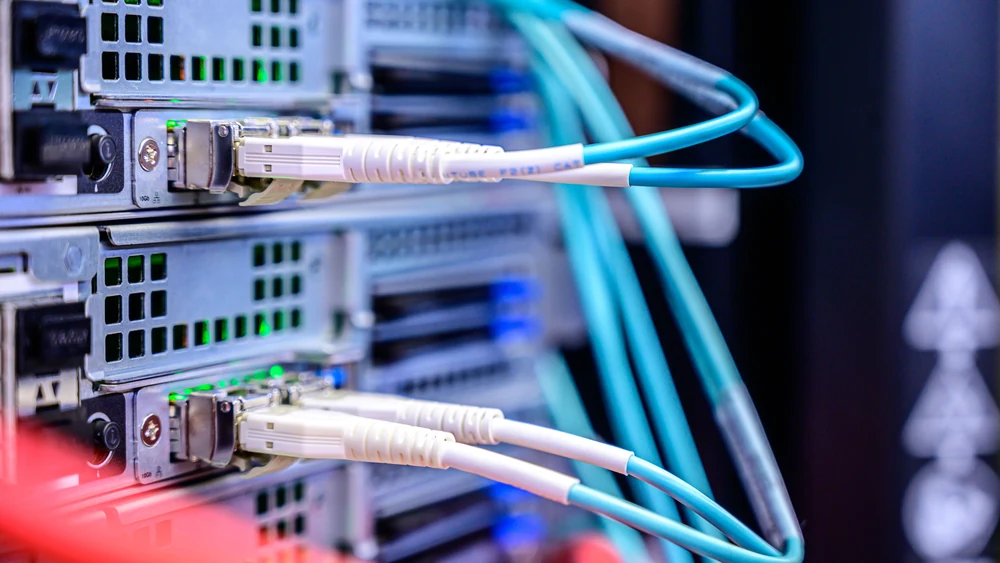
Image source: pexels.com
Before you sign, find out how you would leave. Can you export your customers, invoices, products and history in a standard format like CSV, or only as a PDF nobody can import anywhere? Some tools make leaving so painful that customers stay for years on a product they dislike. Be especially careful with tools that sit between you and your customers, such as booking or marketplace platforms, because your customer list may effectively belong to them. Keeping records you can move matters legally too: you must keep business records for years, and our guide to business record keeping sets out how long. If you cannot get your data out, you are not really a customer.
Migration is the hard part, so plan it

Image source: pexels.com
Switching tools usually fails in the move, not in the choice. Pick a quiet month, not the week before a VAT return or your busiest season. Clean your data before moving it, because importing years of duplicates just makes a mess somewhere new. Decide a cut-over date and stick to it — running two systems in parallel for months doubles the work and splits the truth between them. Tell your accountant before you change anything financial, since they may already support one system and charge extra for another. Then set a calendar reminder to review every tool once a year and cancel what nobody uses.
What Priti kept
She went from fourteen subscriptions to six and cut her monthly bill from £612 to £231. Her accounting software already handled quotes and invoices, so two separate tools went. The ordering system that slowed her assistant down was replaced by one her staff chose themselves. And every login now uses two-factor authentication. None of it needed a technology expert — just a list, a clear problem, a real trial and a yearly review. That is the heart of choosing business software well: buy for the business you run today, understand the full cost, and always know how you would leave. If you hold stock, the same thinking applies to stock and inventory tools.
Frequently asked questions
How do I choose the right software for my business?
List what you already pay for, define the real problem, shortlist two or three options, trial them with real work and check cost, security and data export.
Do I need special software for Making Tax Digital?
Yes. VAT-registered businesses and, since April 2026, some sole traders and landlords must use HMRC-compatible software. HMRC does not provide it.
Is free business software worth using?
It can be, but free tiers usually limit users, invoices or contacts. Check what happens and what it costs when you outgrow the limit.
What hidden costs come with business software?
Per-user pricing, add-ons, integrations, price rises at renewal, and the time spent on setup, migration and training.
How can I keep business software secure?
Use two-factor authentication, give staff only the access they need, remove leavers quickly and check how the supplier protects customer data.
How often should I review my software?
At least once a year. Check what each tool costs, who uses it, and whether another tool you already pay for does the same job.
This article is general information, not professional advice. Making Tax Digital thresholds, certification prices and survey figures reflect the position as at September 2026. Check HMRC’s list of compatible software and each supplier’s current terms before you buy.